Avoid Bottlenecks: How to Seamlessly Combine Streaming and Online Activities

Avoid Bottlenecks: How to Seamlessly Combine Streaming and Online Activities
When everyone in the household is online at once—someone streaming a movie in 4K, another gaming, and a third joining a video meeting—even a fast internet connection can start to struggle. The result? Buffering, lag, and frustration. But with a bit of planning and an understanding of how your home network works, you can avoid bottlenecks and enjoy a smooth online experience, no matter how many devices are connected.
Understand What Uses the Most Bandwidth
Not all online activities consume the same amount of data. Streaming in high resolution and online gaming use far more bandwidth than browsing the web or checking email. If your connection slows down when multiple people are online, it’s likely that some activities are taking up a disproportionate share of your available capacity.
A good first step is to map out how your household uses the internet throughout the day. Are there peak times when several people stream or game simultaneously? Knowing these patterns makes it easier to plan and optimize your usage.
Make Sure Your Connection Matches Your Needs
Today’s homes often have dozens of connected devices—computers, tablets, smart TVs, gaming consoles, and smart speakers. That means your need for speed and stability is higher than ever.
- Check your speed: Run an internet speed test to see if you’re getting what you pay for. If you frequently experience slowdowns, it might be time to upgrade your plan.
- Consider fiber or high-speed cable: Fiber-optic connections offer high and consistent speeds in both directions—ideal for households with multiple streamers or remote workers.
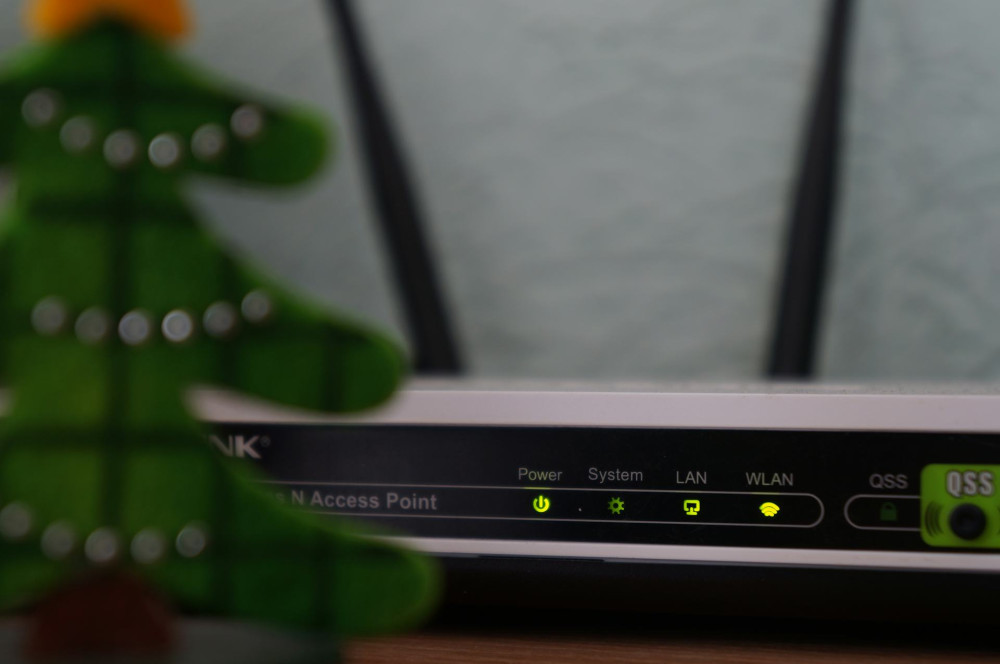
- Choose the right router: An outdated router can be a bottleneck on its own. Modern routers with Wi-Fi 6 or Wi-Fi 6E technology handle multiple devices more efficiently and distribute the signal more evenly.
Optimize Your Wi-Fi Network
Even the fastest internet plan can feel slow if your Wi-Fi signal doesn’t reach every corner of your home. Thick walls, long distances, and electronic interference can all weaken the signal.
- Place your router centrally: Avoid hiding it behind furniture or inside a cabinet.
- Use a mesh network: In larger homes, a mesh system ensures strong coverage in every room.
- Change the channel: If your neighbors’ Wi-Fi networks are on the same channel, interference can occur. Most routers can automatically select the least congested channel.
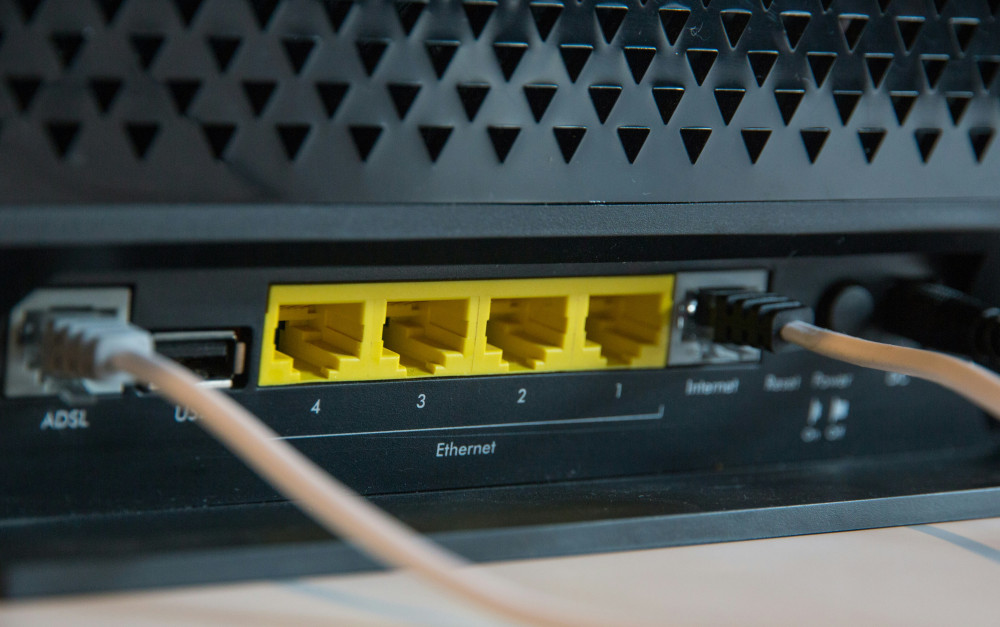
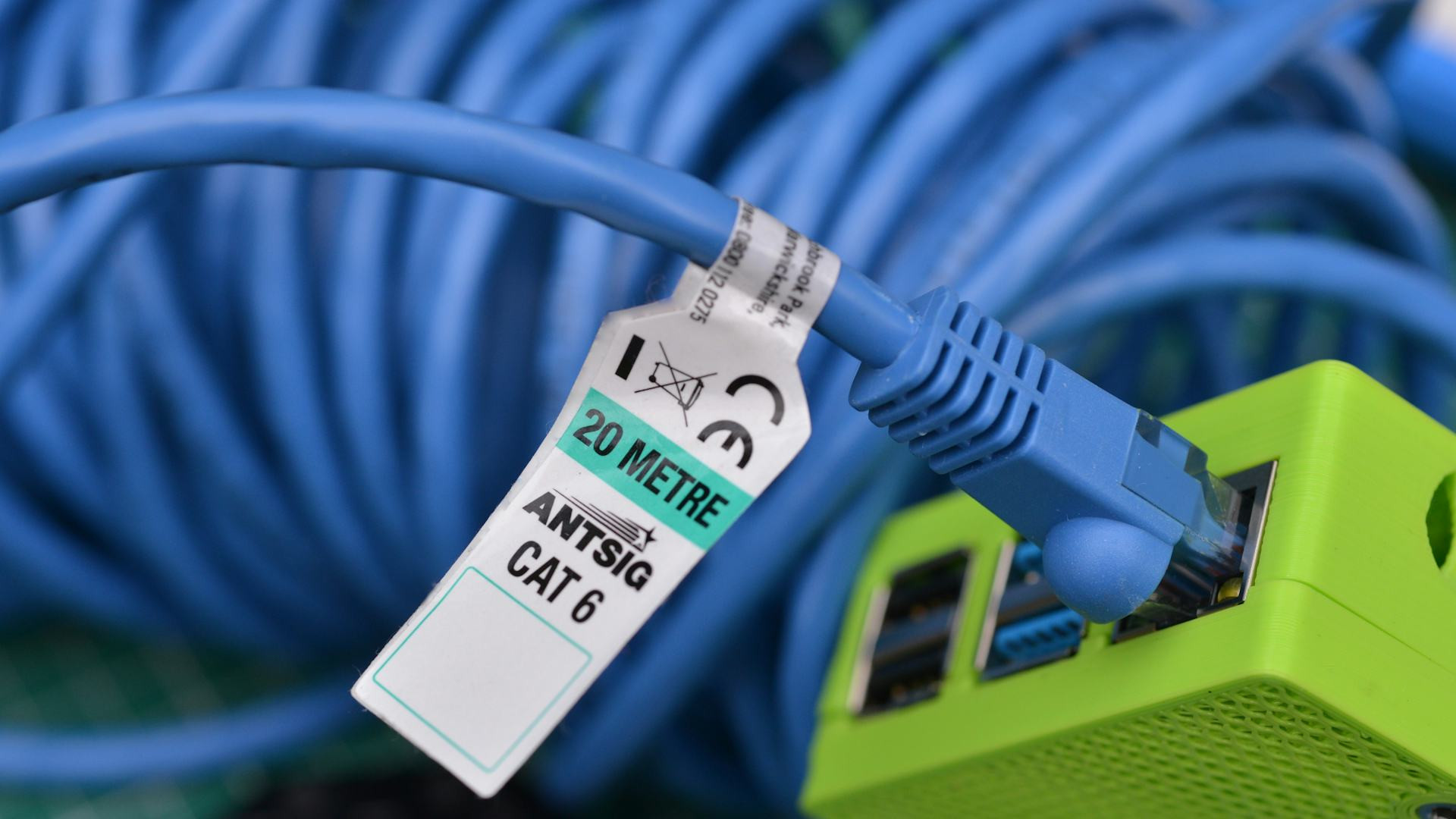
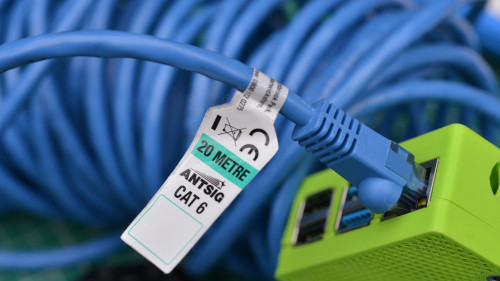
- Use wired connections for heavy tasks: For gaming or high-quality streaming, an Ethernet cable provides a more stable connection than Wi-Fi.
Prioritize Traffic with QoS
Many modern routers include a feature called Quality of Service (QoS), which allows you to prioritize certain types of traffic. This means you can give video calls or streaming higher priority than large downloads or background updates.
By enabling QoS, you can prevent a big file transfer from ruining the quality of a movie or an online meeting. It’s a simple way to ensure that your most important activities always get the bandwidth they need.
Plan and Coordinate Usage
Technology can do a lot, but a little planning goes a long way too. If several people in your household need to use the internet heavily, it can help to coordinate the most demanding activities.
- Schedule large downloads or software updates for off-peak hours.
- Use streaming services’ download options to save shows or movies in advance.
- Pause gaming or streaming during important work calls or online classes.
Small adjustments in daily routines can often solve problems without requiring technical changes.
Keep Your Equipment Up to Date
Routers, computers, and smart TVs regularly receive updates that improve performance and security. Make sure your router’s firmware is current and that your devices are running the latest software. This can boost speed and protect against security vulnerabilities.
If your router is more than five years old, it may be time for a replacement. Newer models are not only faster but also better at handling multiple simultaneous connections.
Læs også:

A Stable Online Life
A well-functioning home network isn’t just about speed—it’s about balance. When you understand how your devices and activities interact, you can create a network that runs smoothly, even when everyone is online at once.
With the right combination of setup, planning, and updated equipment, you can avoid bottlenecks and get the most out of streaming, gaming, and working from home.
Læs også: