Collaborate More Effectively with Digital Tools in Everyday Life


Collaborate More Effectively with Digital Tools in Everyday Life
Digital tools have become an essential part of daily life in the United States—whether you’re working remotely, managing a household, or staying in touch with friends and family. They help us communicate faster, share information more easily, and stay organized across multiple projects. But with so many apps, platforms, and notifications competing for our attention, it’s easy to feel overwhelmed. How can we make the most of these tools without letting them take over our lives? Here are some practical ways to collaborate more effectively with digital tools in everyday life.
Build a Shared Structure for Collaboration
Successful digital collaboration starts with a shared structure. It’s not just about which tools you use, but how you use them. Set clear expectations with your team or household about:
- Where communication happens – for example, use chat apps for quick updates, email for detailed discussions, and video calls for complex topics.
- How files are shared and named – so everyone can find what they need without searching through endless versions.
- When responses are expected – to avoid the pressure of being “always on.”
When everyone understands the ground rules, collaboration becomes smoother and less stressful.
Choose the Right Tools—and Fewer of Them
There’s no shortage of digital tools for communication and project management, but more isn’t always better. Too many platforms can create confusion and waste time. Focus on what you truly need.
- Communication: Slack, Microsoft Teams, or Google Chat can centralize messages, meetings, and files.
- Project management: Trello, Asana, or Monday.com help track tasks and deadlines.
- File sharing: Google Drive, OneDrive, or Dropbox make it easy to collaborate on shared documents.
The key is to pick tools that fit your workflow—and make sure everyone feels comfortable using them.
Make Online Meetings More Effective
Virtual meetings are now a normal part of work and personal life, but they can easily become too frequent or too long. To make them more productive:
- Set a clear agenda and stick to it.
- Use video intentionally—it helps build connection, but it’s okay to turn it off when you need a break.
- Record meetings or take shared notes so no one has to repeat information later.
And remember: not every discussion needs a meeting. Sometimes a quick message or shared document is enough.
Increase Transparency in Collaboration
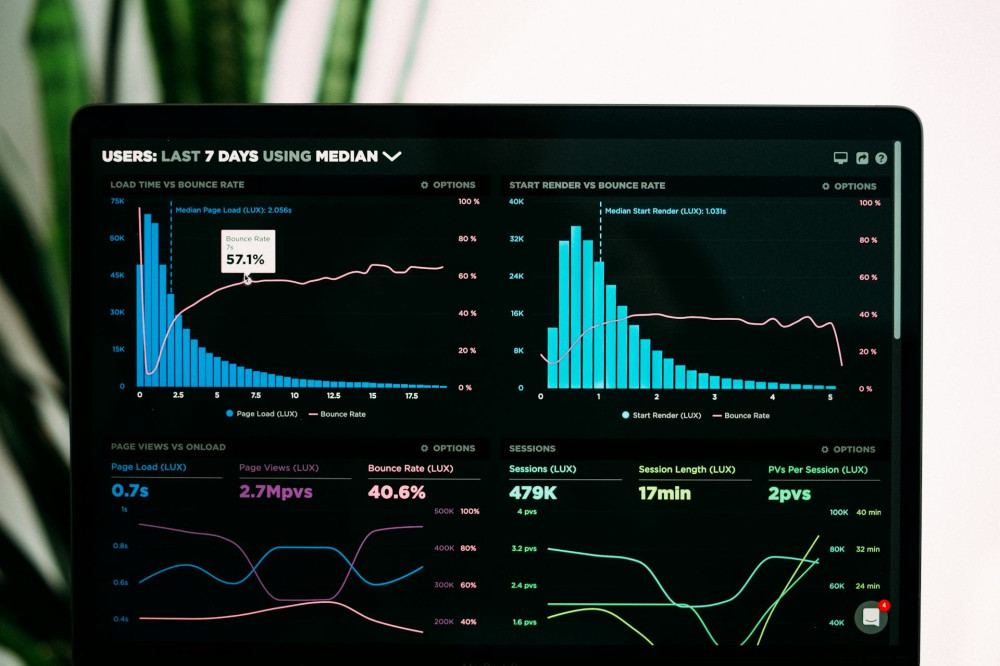
One of the biggest advantages of digital tools is transparency. When tasks, deadlines, and decisions are visible to everyone, it’s easier to stay accountable and support one another.
Use a shared dashboard or task list where everyone can see project progress. This reduces the need for follow-up emails and helps keep everyone aligned—especially when working across time zones or locations.
Læs også:


Protect Yourself from Digital Fatigue
While digital tools can make collaboration easier, they can also lead to fatigue and stress if boundaries aren’t set. Constant notifications and updates can make it hard to disconnect.
To stay balanced:
- Turn off notifications during focus time.
- Establish “quiet hours” when responses aren’t expected.
- Take regular breaks away from screens—even short walks can help reset your mind.
Healthy digital collaboration isn’t just about efficiency; it’s also about well-being.
Let Technology Support You—Not Control You
Digital tools should support collaboration, not dictate it. It’s easy to get caught up in new features and automation, but the most important element is still the people using them.
When technology is used thoughtfully and with clear agreements, it can save time, improve communication, and make everyday life more manageable—both at work and at home.
Læs også: