Monitoring That Prevents: Detect System Issues Before Users Notice Them

Monitoring That Prevents: Detect System Issues Before Users Notice Them
When a website or digital service goes down, the impact is immediate—users get frustrated, and the business feels the consequences. But most system issues don’t appear out of nowhere. They build up gradually: a server under increasing load, a database growing too fast, or an integration starting to fail. With the right monitoring in place, you can spot the warning signs early—and act before users even realize something’s wrong.
From Reactive to Proactive Operations
Traditionally, many organizations have handled system issues reactively. An error alert comes in, support scrambles to respond, and engineers rush to troubleshoot. It’s a stressful, high-stakes process that often leads to downtime, unhappy users, and lost revenue.
Proactive monitoring flips that approach. Instead of waiting for something to break, data is continuously collected and analyzed. This makes it possible to detect patterns and anomalies that signal potential problems—and fix them before they escalate.
What Should You Monitor?
Effective monitoring isn’t about tracking everything—it’s about tracking what matters most. Here are some key areas to focus on:
- Performance and response times – Slow responses are often the first sign of trouble. Monitor both frontend and backend performance to pinpoint bottlenecks.
- Server resources – Keep an eye on CPU, memory, disk space, and network usage. Small fluctuations are normal, but sustained strain requires attention.
- Errors and exceptions – Log files are invaluable. A rising number of application errors can reveal issues before they become critical.
- User behavior – Sudden drops in traffic or changes in click patterns may indicate that users are encountering problems you haven’t yet detected.
- External integrations – Many systems rely on third-party APIs. Monitor their response times and availability so you can react quickly if a partner experiences issues.
Automation and Alerts
Monitoring only works if it leads to action. That’s why automated alerts are essential. They can be configured to notify you when certain thresholds are exceeded—for example, if response times increase or a server nears full capacity.
But beware of alert fatigue. Too many notifications can cause important ones to be ignored. Prioritize alerts by severity and ensure they reach the right people. Some issues can be resolved automatically—such as restarting a service or scaling cloud resources—while others require human intervention.
Visualization: Making Data Understandable
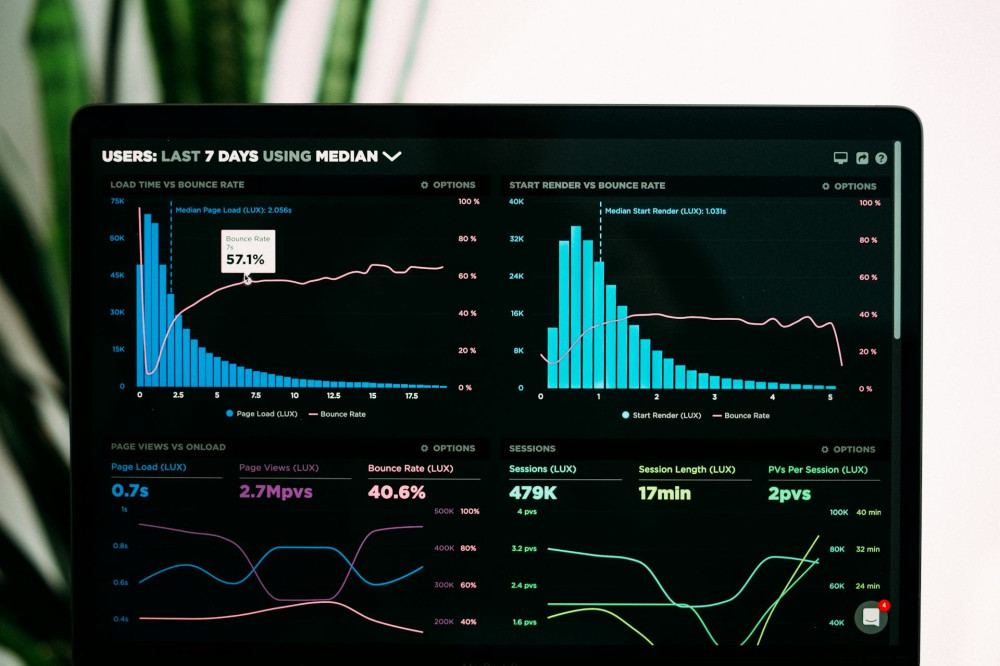
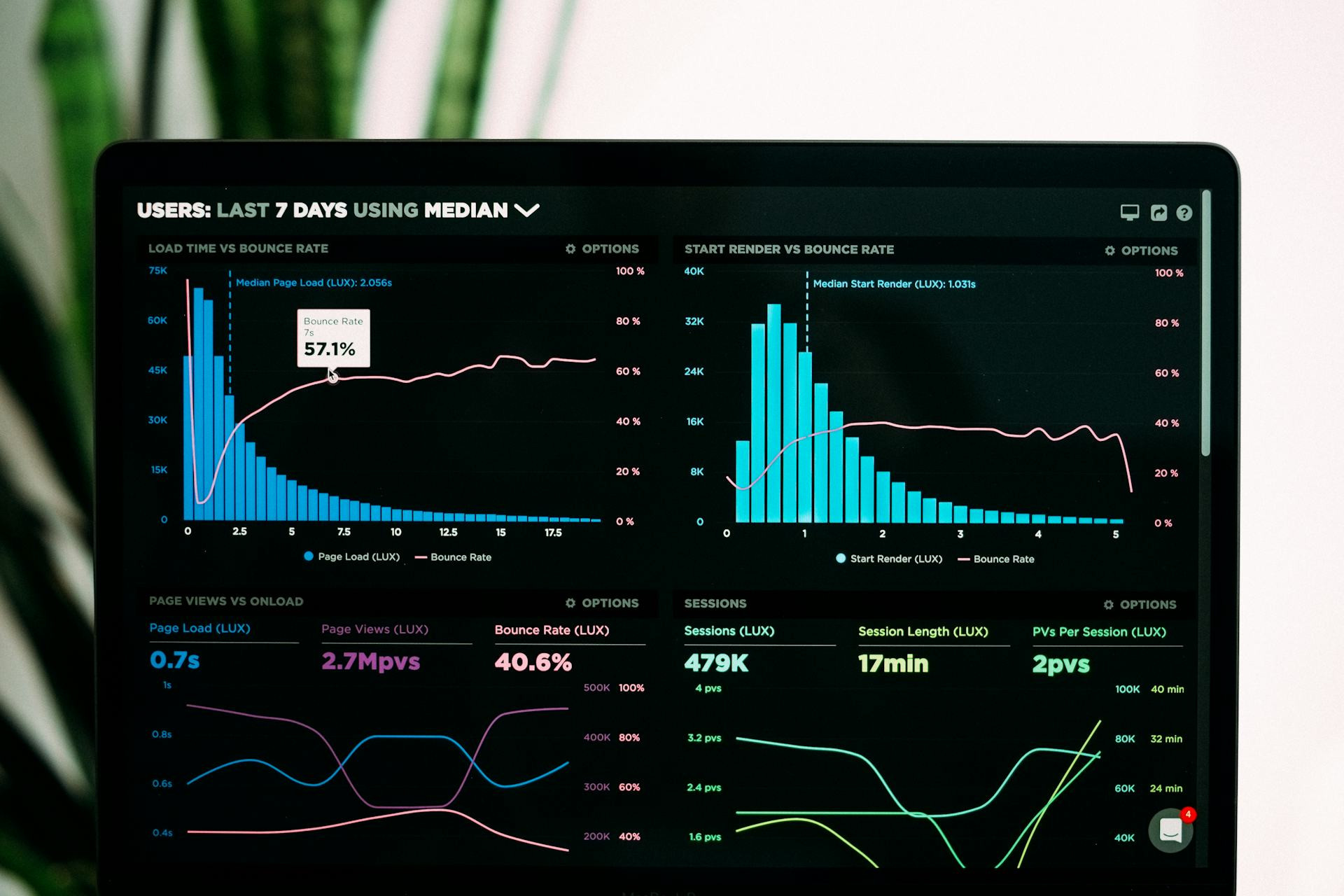
A well-designed dashboard can make all the difference. When data is presented visually, it’s easier to spot trends and respond quickly. Tools like Grafana, Datadog, and Prometheus allow you to aggregate data from multiple sources and display it in real time.
A good dashboard should be clear and purpose-driven. Developers, operations teams, and management each need different levels of detail. For some, technical metrics are key; for others, a high-level view of system health is more useful.
Læs også:



Monitoring as Part of the Culture
Technology alone isn’t enough. For monitoring to truly prevent problems, it must be part of the organization’s culture. Everyone—from engineers to executives—should understand the value of continuous insight and base decisions on data rather than assumptions.
A best practice is to review monitoring data regularly, even when everything seems fine. This helps identify long-term trends and plan improvements before they become urgent. Monitoring shouldn’t just be about avoiding failures—it should also drive optimization and learning.
From Firefighting to Stability
When used effectively, monitoring becomes a tool for calm and control. Instead of reacting to crises, teams can focus on systematic improvement. Users experience fewer disruptions, and engineers gain more time for innovation rather than troubleshooting.
Preventive monitoring ultimately builds trust—trust that your systems are stable and that you know what’s happening beneath the surface. That trust is what powers reliable digital experiences and satisfied users.
Læs også: